
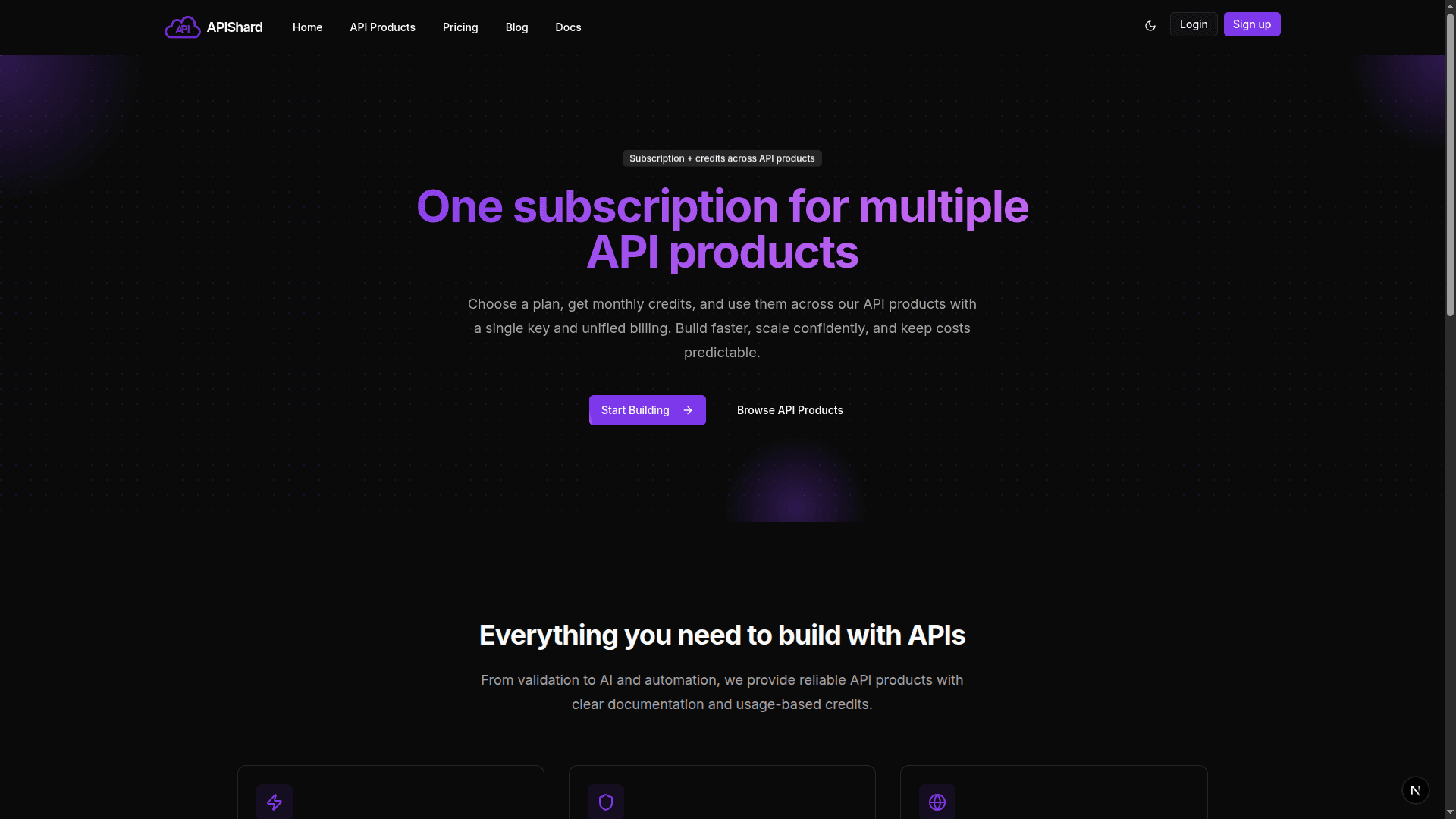
APIShard gives you access to 15+ powerful APIs under a single subscription. In this guide, we'll walk through signing up, getting your API key, and making your very first request.
Prerequisites
- A free APIShard account
- Basic familiarity with HTTP requests (curl, Postman, or any programming language)
Step 1: Create Your Account
Head to apishard.com and click Sign up. You'll receive a starter bundle of free credits - no credit card required.
Step 2: Grab Your API Key
Once logged in, navigate to Settings → API Keys inside your dashboard and copy your key.
# Store it safely as an environment variable
export APISHARD_KEY="your_api_key_here"
Step 3: Make Your First Request
Let's use the Sentiment Analysis endpoint as our example:
curl -X POST "https://api.apishard.com/v1/sentiment-analysis" \
  -H "x-api-key: $APISHARD_KEY" \
  -H "Content-Type: application/json" \
  -d '{"text": "APIShard makes API integration incredibly easy!"}'
You'll get back a response like:
{
  "sentiment": "positive",
  "score": 0.97,
  "label": "POSITIVE"
}
Step 4: Handle the Response
Here's the same request in TypeScript:
const response = await fetch("https://api.apishard.com/v1/sentiment-analysis", {
  method: "POST",
  headers: {
    "x-api-key": process.env.APISHARD_KEY!,
    "Content-Type": "application/json",
  },
  body: JSON.stringify({ text: "APIShard makes API integration incredibly easy!" }),
});

const data = await response.json();
console.log(data.sentiment); // "positive"
What's Next?
Now that you've made your first call, explore the full API catalog:
- DNS Lookup - query any DNS record type in seconds
- Language Detector - identify language from any text snippet
- QR Code Generator - generate print-quality QR codes on the fly
- Email Checker - validate and verify email addresses in bulk
Happy building!